IPL AI Photo Editing Prompt 2026 Using Gemini – Friends, these days AI photos of RCB team are going viral very fast on social media. But people are creating such cricket photos using AI. It looks very professional. But here we are going to learn how to edit your photos using Google Gemini and ChatGPT. Today in this article I am going to teach you this cricket team photo editing. And in this post I am going to give you the best new prompts of IPL. I’ll explain step-by-step how to use it, so please read the article carefully.
Details Of IPL AI Photo Editing Prompt 2026 Using Gemini
Friends, nowadays photos editing with AI are becoming very viral. And when the IPL season comes, people make photos of the cricket team and post them very quickly on social media. Because in our India cricket is a very popular game which everyone likes. I am going to give you a prompt of IPL cricket team and RCB t-shirt photo in different styles. Using which you can convert your photo into this IPL Indian team photo. I will tell you the complete process of how to convert a normal photo into a cricket photo in this article, so keep reading the entire article.
What Is IPL AI Photo Editing Prompt?
Look friends, AI photo editing is very much in trend these days. Especially during the IPL season, people want to edit their photos to look like cricketers. Nowadays people are editing their photos into IPL Indian team photos by using AI tools like Gemini and ChatGPT and writing prompts. But friends, earlier it used to take us hours to edit a photo, now this AI converts your normal looking photo into IPL cricket team photo in just a few minutes. If you want to edit your photo in this IPL AI Photo. So you can edit your photo by copying all the different IPL team prompts given below. But read the entire article before editing the photo.
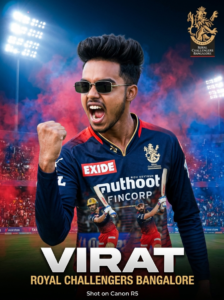
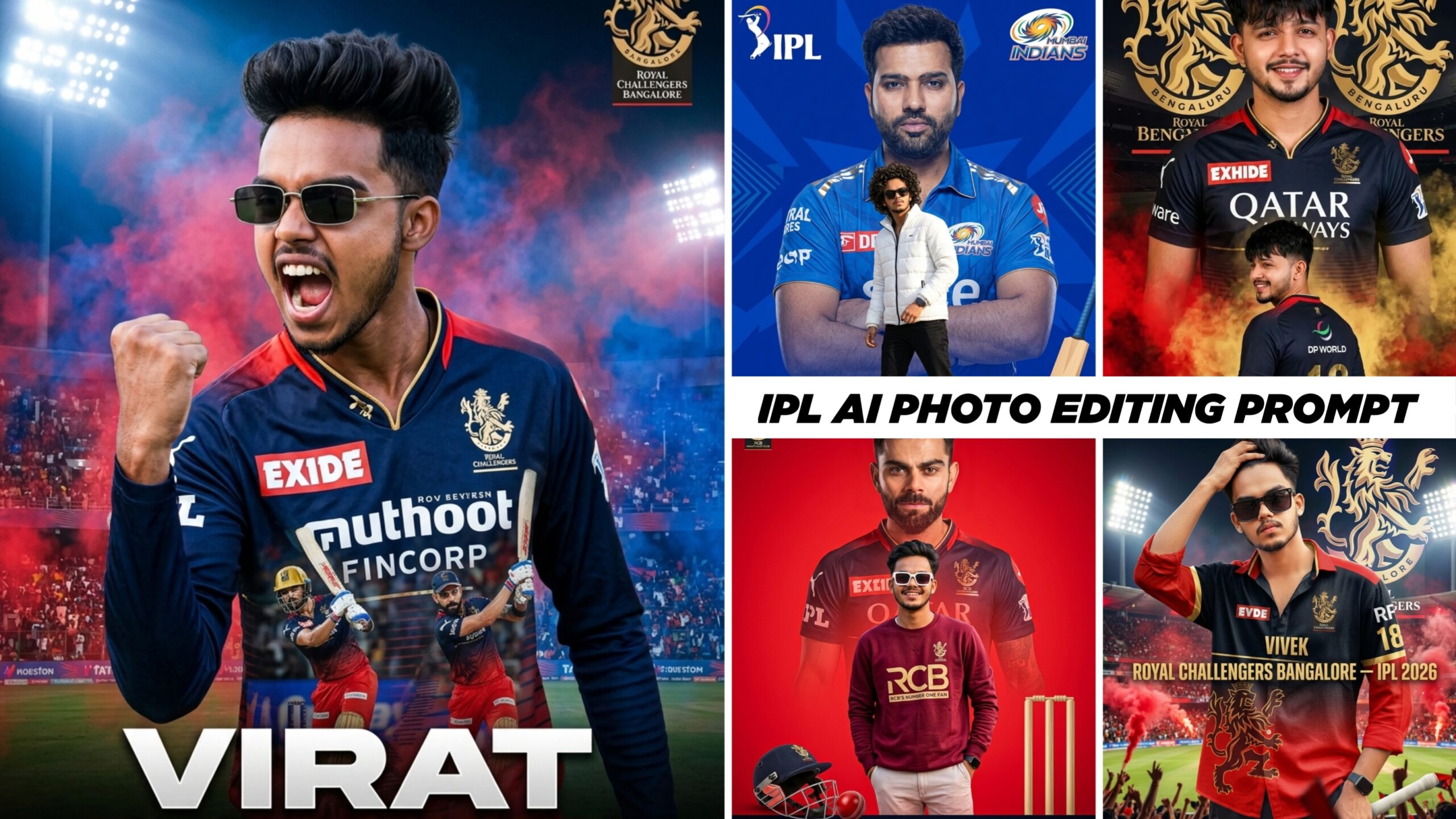
A high-quality sports poster featuring a slim-fit stylish handsome young Indian man (reference- uploaded photo) with quiff-style tousled mid-length black hair, Rectangular black sunglasses. He is wearing a Royal Challengers Bangalore (RCB) cricket jersey in navy blue and red, with official RCB branding and sponsor logos (use uploaded jersey). The image uses a double exposure effect: in the foreground, he is shouting in a triumphant celebration with a clenched fist; in the
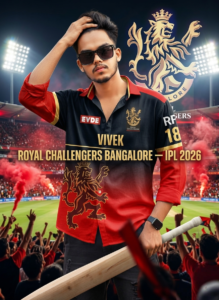
A hyper-realistic cinematic poster of a young Indian male cricketer (use reference image), exact same face features perfectly matching the reference, wearing Royal Challengers Bangalore jersey in black and red with golden accents Background: grand cricket stadium with glowing floodlights, blurred crowd, red smoke, with a large glowing lion emblem
Foreground: “VIVEK” number “18” Text: “ROYAL CHALLENGERS BANGALORE – IPL 2026”
hyper realistic 12k resolution, natural photo,
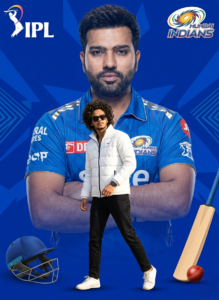
A creative sports fan-poster. In the background, a large, semi-transparent cinematic portrait of a famous cricketer in a blue Mumbai Indians jersey with arms crossed. Superimposed in the foreground is a full-body shot of a stylish man with voluminous curly hair wearing sunglasses, a white puffer jacket, black trousers, and white sneakers. The background is a vibrant royal blue with geometric patterns, featuring a cricket helmet, bat, and ball at the bottom. The Mumbai Indians and IPL logos are in the top corners.
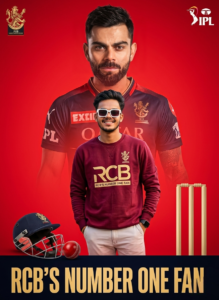
A high-impact sports fan poster with a vibrant red studio background. In the upper half, a large, semi-transparent, cinematic portrait of Virat Kohli in his Royal Challengers Bangalore (RCB) jersey, looking forward with a serious expression. Layered in front and centered, a full-body shot of a stylish young man with voluminous dark hair wearing white-rimmed sunglasses, a maroon sweatshirt with the RCB logo, and light-colored trousers. The RCB lion logo is in the top left, and the IPL logo is in the top right. In the bottom left foreground, a realistic cricket helmet and red leather ball are placed on the floor. To the bottom right, simple black cricket stumps are visible. 8k resolution, sharp focus, editorial graphic design style.
How To Use IPL AI Photo Editing Prompt 2026 Using Gemini
Friends, friends let us know how to use this IPL AI prompt. You can create your own photo by clicking the “Create Your Photo” button above. Read each step carefully, then start editing your photo. If you don’t know how to use it, please read this paragraph carefully. Do not skip any of the steps mentioned here.
How To Generate Your Image
- Click on the Create button.
- The Google Gemini website will then open.
- Now the interface will appear in front of you, click on the plus icon at the bottom side.
- Now add photos from your gallery.
- Paste the prompt below the photo and click send.
- Your photo will start getting created, you just have to wait a little.
- Click on the photo and save the photo.
Conclusion
Friends, I have given you all the different types of cricket team AI photo prompts in this post. And I have also shared the link with you. And I hope I have told you everything about how to use it in an easy and simple way. You must have liked these 2026 IPL prompts. To learn more such training AI photo editing, keep visiting our website and keep your love and support. Because on our website you will get to learn all the photo and video editing.