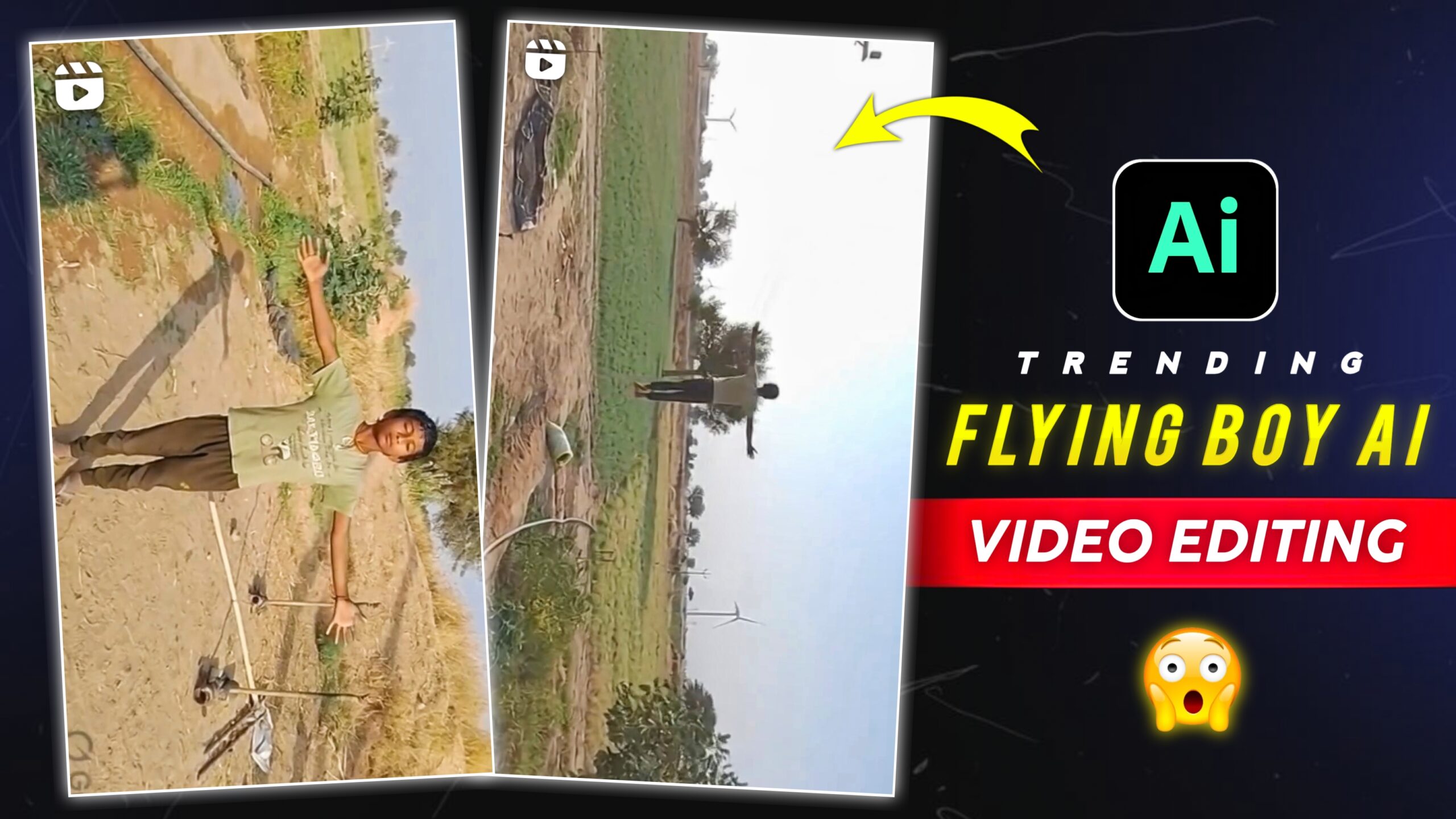
Trending Flying Boy Ai Video Editing – Hello friends, AI videos are a huge viral trend on social media these days, and people are using AI to create videos from their images. At present, such AI videos are becoming very viral on Instagram. In which a boy is standing in an open field and the next moment he starts flying in the air like a superhero. It is very easy to create such AI videos which look absolutely real. I’m going to tell you in this article. So please read the entire article.
What is Ai Video Editing?
Runway uses AI to let you add your own photos and paste a prompt. It then automatically creates an AI video from your photos. The process of creating videos is very fast, that’s why people use it. Earlier, editing a video used to take a lot of time and skill, but now with the help of AI tools, this flying video can be created in just a few minutes.
Details Of Trending Flying Boy Ai Video Editing
Friends, such videos have been edited using an AI. And you can create this video from a single image, so let’s understand about it. In this video, a boy is standing in an open field, and has spread both his hands in the air, then in a moment he starts flying in the air, as if he is using power. And looking at this scene it seems as if it has been shot in real life, but it is not real, this video has been created using an AI and by writing prompts. We’re going to create this using the runway AI tool. So read the entire article.
How To Select Your Image?
Look friends, to learn this editing, you have to know how to select your right image. So to make this video, first of all you have to click a photo of yourself. To click a photo, you can click your photo in any open field or in an empty space on the roof of the house. But while taking the photo, pose in such a way that you are standing straight, both hands are raised and eyes are closed, it appears as if you are actually flying. You click such an image of yours, then we will make a viral video showing this from that picture. To learn the full process, read this article. To create a video, copy the prompt below, then scroll down a bit.
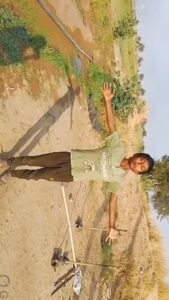
Copy This Prompt 👇
Create a cinematic slow-motion flying effect from the uploaded photo.
The person in the photo slowly levitates and flies straight upward in a perfectly vertical position.
The body must remain straight and balanced, no bending, no tilting, no body distortion.
Keep the arms extended naturally to the sides and maintain the same pose as the original photo.
The background must remain exactly the same with no changes.
Motion: smooth slow-motion vertical lift from the ground to high in the air, showing the entire upward flight clearly.
Camera movement: cinematic dynamic camera motion showing the person from slightly front, back, and side angles while rising. The camera smoothly moves forward, backward, and slightly around the subject to create a realistic parallax effect. Style: ultra-realistic cinematic look, natural lighting, smooth slow motion, realistic shadow on the ground, depth of field.
How To Create Your Video
Friends, to generate this video, you can generate your video by clicking on the Create button given above. If you don’t know how to use it, read the steps below and then start creating videos.
- First, you need to copy the prompt given above.
- Then You Need to click on the Create button.
- Now open the Runway website.
- Click on the Get Started button.
- Click the Apps button.
- Click on Generate Video.
- Now click on upload file and select the image from your gallery.
- Then you paste the copied prompt and click on the Generate button.
- Just wait a bit. Your AI video will be created automatically.
- Then save your video.
Conclusion
So friends, this is how you can create viral AI videos using images. And this video will be edited like a viral video. You might like this viral video editing, this website provides information about trending videos and photo editing. Keep visiting our website to learn more about such editing techniques. And keep showing us your love and support.