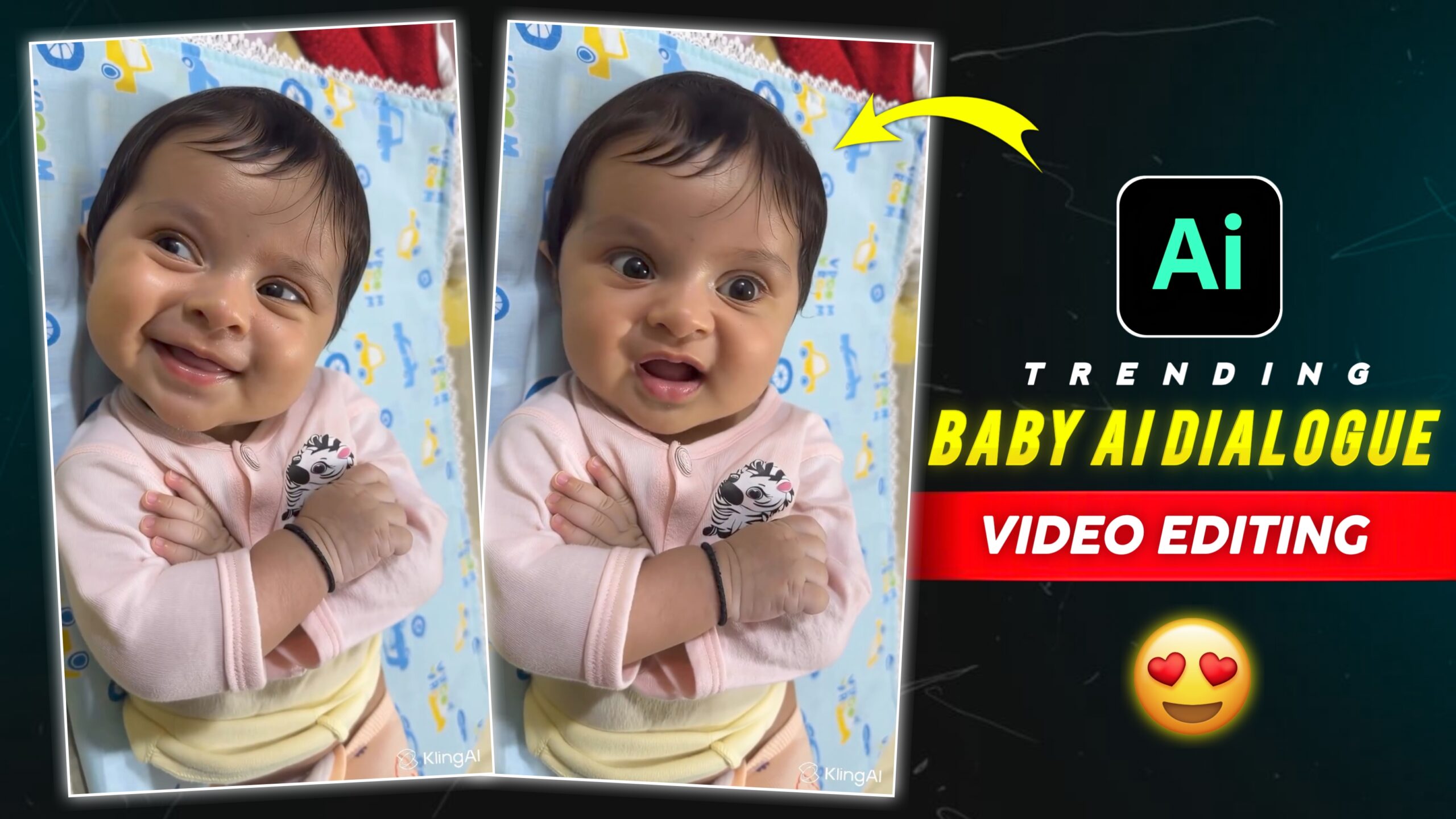
Trending Baby Ai Dialogue Video Editing – Hello friends, welcome to my website, I saw that these days these AI videos of small children are going viral on social media. I came across this video of this child on Instagram and I really liked it, in this video it seems as if the child is actually speaking. And this video is created with the help of an AI tool, all of you can create this AI video just by one click. Ever since people have been editing their videos with AI, new videos are going viral every day. So today I’m going to tell you how you can create these viral videos. If you don’t know how to make this AI video, then no problem, I will tell you, just read this article carefully.
About Of Trending Baby Ai Dialogue Video Editing
So friends, today we are going to make this viral AI video, just using an AI we will make this baby video. However, in this viral video, the sound of “Baburao” from the movie Hera Pheri has been used. The kid then lip-syncs and it looks fun and cute, and the AI is supposed to create the video from the Kling website. Which you might already know about this website, and let’s talk about how to create it.
Friends, to make this trending AI video you will need a photo of your child, and along with it you will need this trending baby AI video. And after that you have to add your baby’s photo and then trending baby AI video in the Kling AI website. After that automatic AI will create your video, if you don’t know how to use it. I will explain to you about Puri Pregria through this post, just keep reading this article.

How To Use Trending Baby Ai Dialogue Video Editing
Hey Guys, let’s talk about how to make this Trading Baby AI video. To make this video, you will find the Create Video button given above, you can click on it and make your video. If you need more details about this, then I have given you some steps below, you can make your video by reading it.
- So first of all you have to click on the create button given above.
- After that the Kalinga AI website will open in your phone.
- And after that, you will get the sign up option on the top side, you have to sign up with any of your email IDs.
- Now you have to click on AI video.
- After that you have to select motion control.
- And in the add image section, you have to add your child’s photo.
- After that, click on Add Motion Video and add that viral video.
- Now you have to click on the Generate button, after that your video will start playing.
- After that your video will start processing, just wait a little.
- After that the video will be ready in front of you, now you have to save it in your gallery.
Conclusion
Friends, I have told you everything about making this viral AI video. And I have also shared the link with you, I hope you have made this viral video. Keep visiting our website to know about more such trending AI videos, and keep giving your support and love.