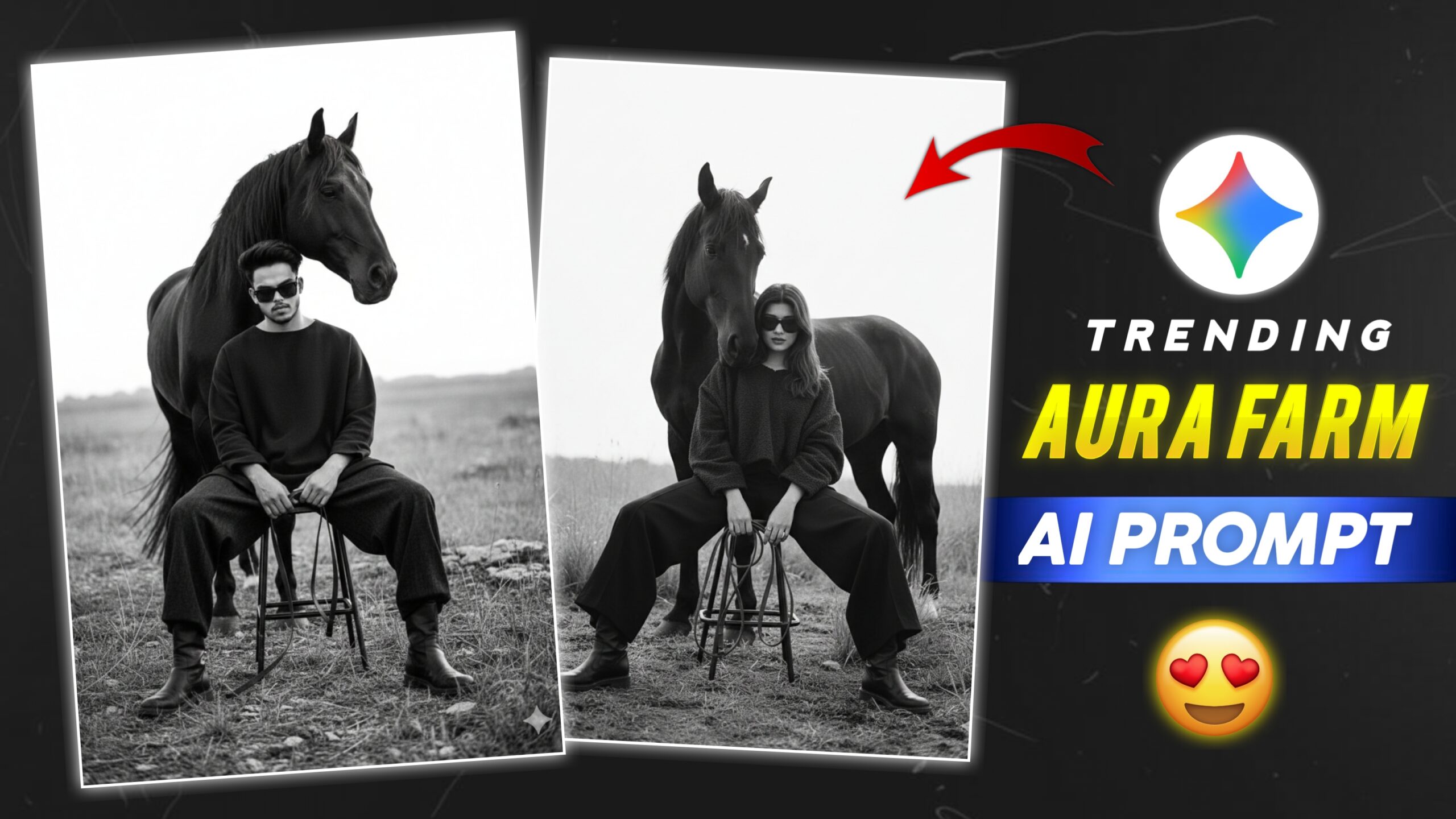
Google Gemini Aura Farm Ai Prompt – today, Hello friends and when is it time? on Instagram and YouTube And the farm photo is becoming very viral. So nowadays everyone is creating this black and white photo. So you guys also try it. how to create image Aura Farm If it is viral on social media then you guys should also create such a photo.
Google Gemini Aura Farm Ai Prompt?
How to create a image Aura Farm from a google gemini? it’s actually very easy. There are a few simple steps you can follow to do this editing. You need to prepare some Add the photo and then you have to write the typing prompt and after that your photo starts getting generated and after some time your photo gets created. If you want to create another farm AI photo, you will find the button icon below, click on “next” to create the image
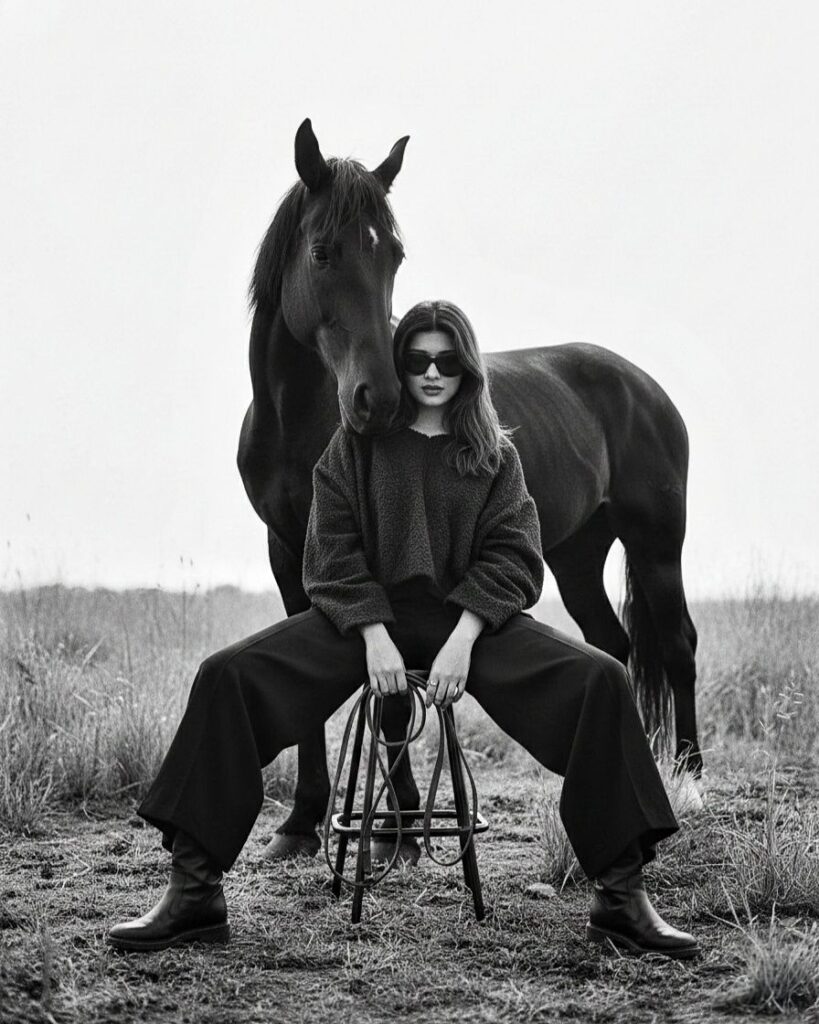
Girls Prompt 👇
A high-fashion, black and white editorial photograph of a woman and a dark horse in an open field. The woman is seated on a tall, minimalist metal stool, posing with wide-legged black trousers, black leather boots, and a textured, oversized dark sweater. She is wearing sleek black sunglasses. The horse stands calmly directly behind her, its head resting near her shoulder, creating a powerful, symmetrical composition. The background is a soft-focus grassy plain under a bright, overcast sky, creating a high-key, minimalist atmosphere. The lighting is soft and diffused, highlighting textures of the wool, leather, and horse hair. Fine grain, cinematic photography style.
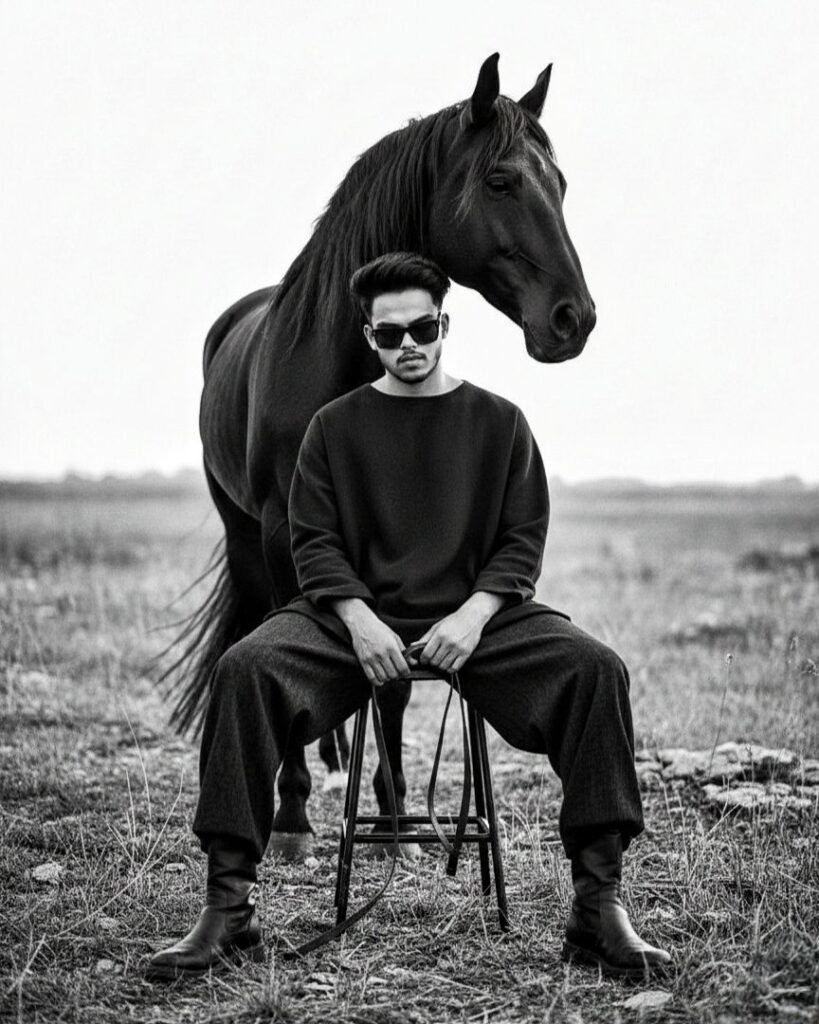
Boys Prompt 👇
Full-body editorial fashion photograph in high-contrast black and white. A stylish young man with a modern pompadour hairstyle and dark sunglasses sits on a tall metal stool in the middle of a sparse, grassy field. He is wearing a minimalist, oversized black long-sleeve tunic and wide-leg trousers tucked into sleek black leather boots. Standing directly behind him, a majestic dark horse leans its head over his shoulder, creating a layered silhouette. The lighting is soft and cinematic, with a shallow depth of field blurring the horizon. Moody, avant-garde, 8k resolution, shot on 35mm film.
Click 👇
How to use Google Gemini Prompt
1. First, click the “Create Your Image” button above.
2. It will open in Google Gemini website.
3. Now click on the plus icon at the bottom and add your photo.
4. After that you have to paste the promo code.
5. Now you have to wait, after that your photo will be created.
6. Now you have to save the photo.
Conclusion
This way, you can easily edit trending photos. Gemini is especially beneficial for those who don’t have much editing knowledge. And nowadays, most people use prompt for photo editing. With these, we can create a professional photo in no time. In this article, I’ve also taught you how to use prompt. You will definitely benefit from reading this. Keep visiting our website for new prompt.