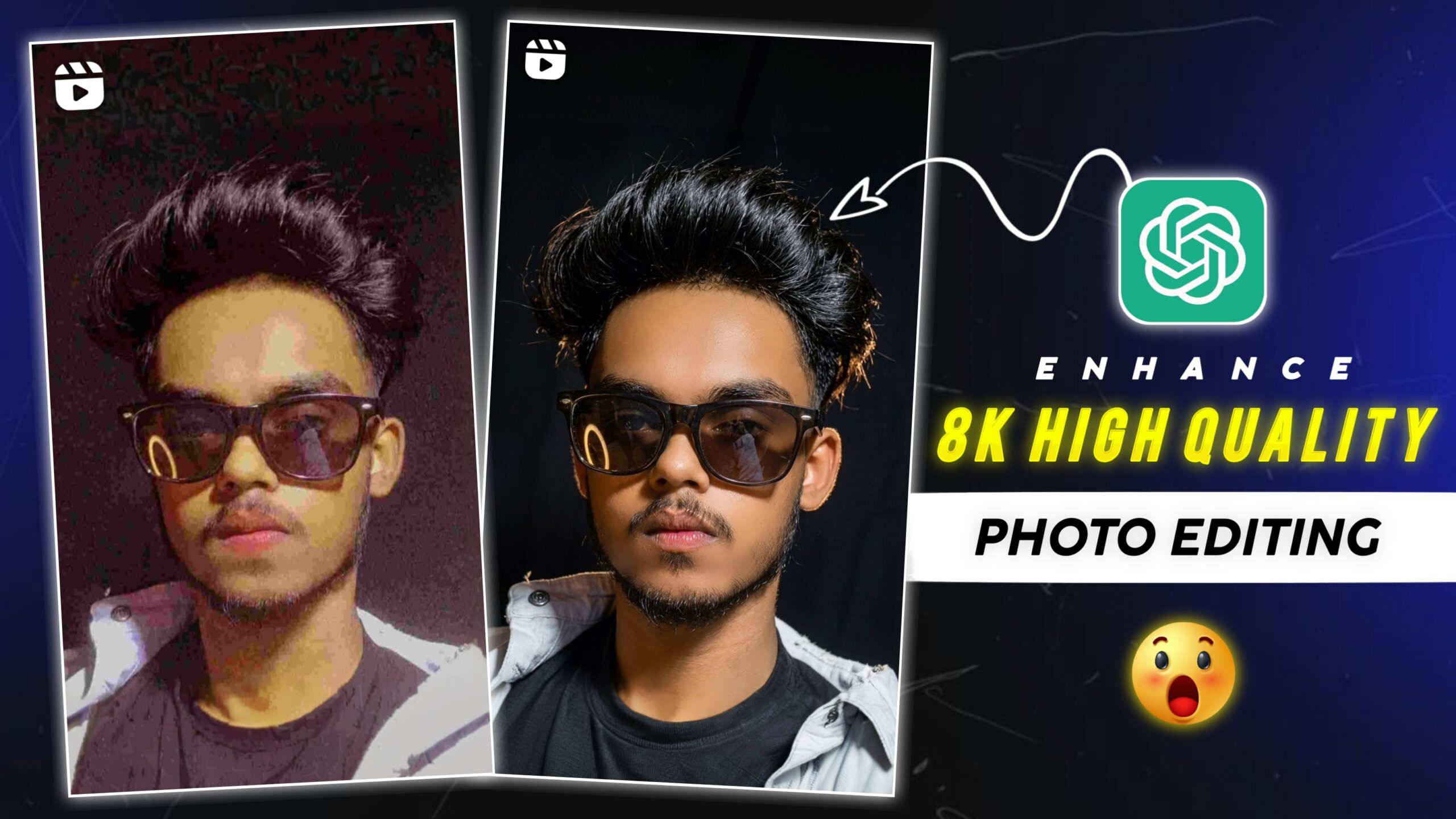
8k Enhance High Quality Photo Editing Prompt – Friends, if you want to enhance any of your blurry old photos, then today in this article I am going to tell you. With the help of prompts, you can turn a simple photo into your best photo. Because such high quality photos are going viral on Instagram. And I will explain to you all the process of using it in this article, just read the article. If you want to convert your normal looking photo into high quality. I am going to give a prompt in this article so read the entire article carefully.
Details Of 8k Enhance High Quality Photo Editing Prompt
Look friends, this high quality photo is trending very fast on social media. That’s why everyone is editing such photos and posting them on their Instagram. But with the help of AI, you can edit all this in your high quality photos absolutely free. And all such people like to edit their normal photos in high quality. Because when people click photos on their phones, their photos do not come out clear. Because someone’s phone is of low quality, hence good photos cannot be clicked. Today in this article we will learn how to edit this high quality photo using Google Gemini. Now scroll down a bit.
What Is 8k Enhance Photo Editing Prompt?
Nowadays people are editing their photos using AI tools like Gemini and Chatgpt. Because friends, it is very popular and people use this AI tool a lot to edit their photos. Nowadays, most people use this AI extensively to edit such viral photos. Because earlier it used to take us hours to edit a photo but now this AI converts your normal looking photo into high quality in just a few minutes. If you want to edit your photo in 8k quality. So you can convert your photo into high quality by copying the prompt given below. But if you do not know how to use it then read the entire post before editing the photo.
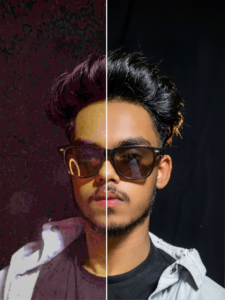
"Enhance facial skin realism while preserving all facial features and expressions, maintain natural texture and pores, improve lighting balance and tone, refine skin color depth without over-smoothing, visible pores, skin texture, small natural imperfections, micro-details, subtle light reflection shine in eyes with natural moisture not tears, flyaway hairs, baby hairs catching light, stray strands at hairline, subsurface scattering, light glowing through skin edges, organic texture, ultra-realistic photo-quality finish."
How To Use 8k Enhance High Quality Photo Editing Prompt
Friends, let us know about enhancing your photo in high quality. Friends, you can edit your photo in high quality by clicking on the Create your photo button given above. Read each step carefully, then start editing your photo. If you don’t know how to use it, please read this paragraph carefully. Do not skip any of the steps mentioned here.
How To Generate Your High Quality Image
- Click on the Create button.
- The Google Gemini website will then open.
- Now the interface will appear in front of you, click on the plus icon at the bottom side.
- Now add photos from your gallery.
- Paste the prompt below the photo and click send.
- Your photo will start getting created, you just have to wait a little.
- Click on the photo and save the photo.
Conclusion
Friends, I have taught you how to edit such high quality AI photos. And I have also told you how to use it and have also shared the link with you. You must have liked this AI editing because I have told you everything step by step. To learn such viral editing, keep visiting our website and maintain your love and support. Because all types of trading photo and video editing will be available on our website.