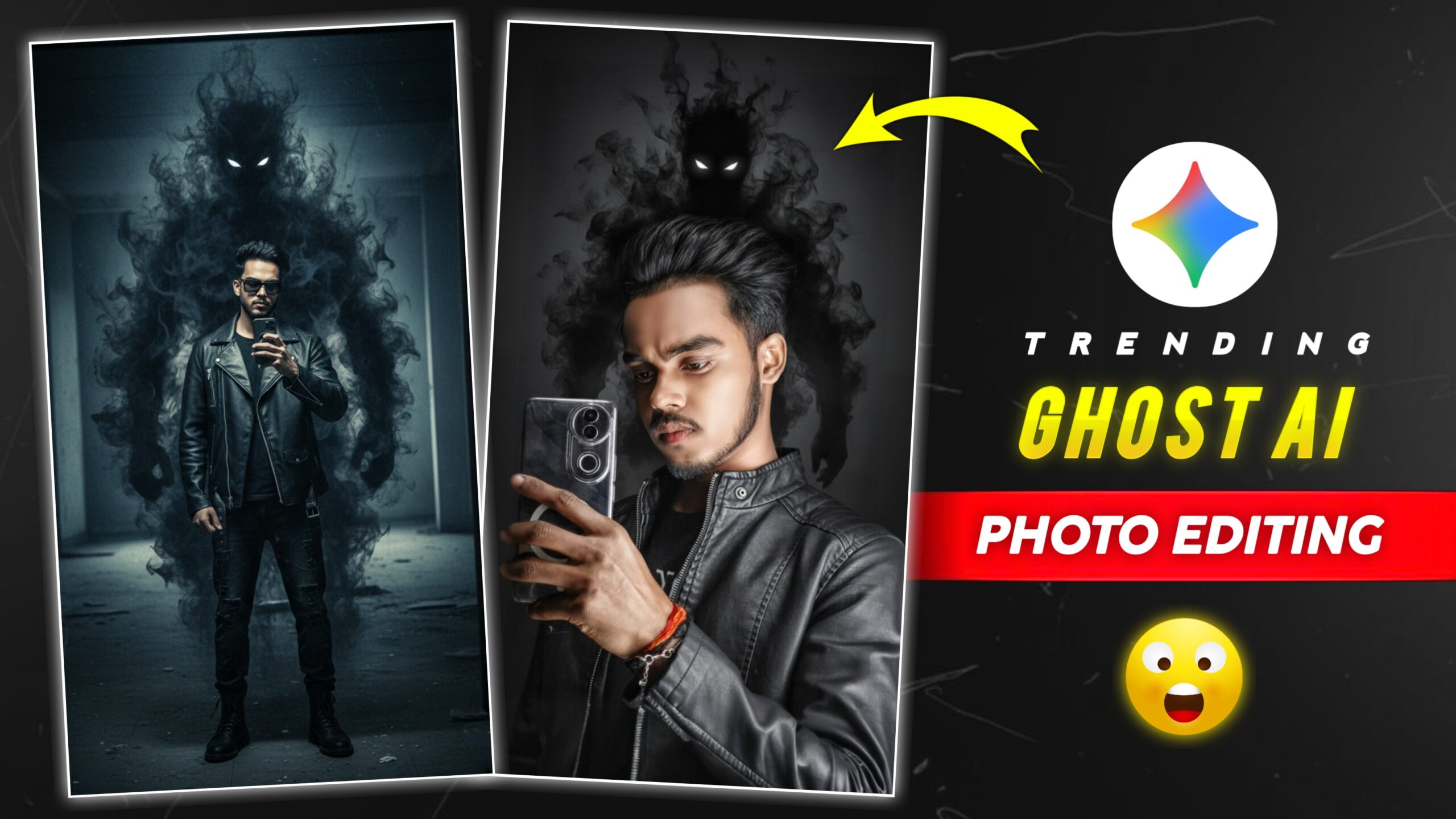
Trending Ghost Ai Photo Editing Prompt – Hello friends, this ghost photo is very trending these days, you must have seen this photo somewhere on social media. And these photos are going viral on Instagram, and you can create them in just one click with the help of Google Gemini. And you don’t have to edit your photo yourself, you just have to add the photo and paste the prompt. Google gemini will then automatically edit your photo. Today, I’ll show you how to edit this trending photo. Just read this article.
What is Ai Photo Editing?
Friends, prompt is such a thing that with the help of a prompt you can edit your photo in different styles in minimum time to edit your photo. That’s why people use prompts to edit their photos, I am going to tell you about this trending photo prompt.
Details Of Ghost Ai Photo Editing Prompt
Friends, this is how photos are created using Google Gemini websites, which you might have heard about. These websites are quite popular, and there are many other websites where you can create AI photos. Photos created with AI are trending these days. If you also want to create a photo using AI, then you can edit your photo by clicking on the “Create” button given below.
Copy Prompt 👇
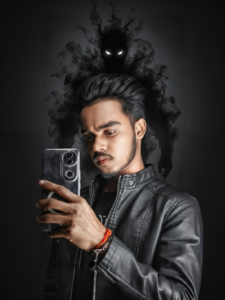
“A high-quality mirror selfie of the man from the reference image, wearing a dark leather jacket and a black undershirt. Behind him, a towering, malevolent shadow entity made of thick black smoke and swirling vapor emerges, featuring glowing white eyes. The atmosphere is dark, moody, and cinematic with desaturated tones and soft, directional lighting hitting his face.”
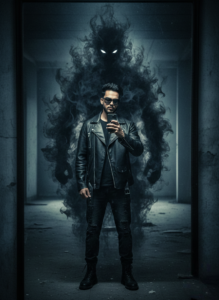
Copy Prompt 👇
“A high-quality, cinematic mirror selfie of the man from the reference image, maintaining his exact facial structure, groomed beard, and hairstyle. He is wearing a dark, oversized leather jacket over a black shirt. Emerging from his back is a towering, ethereal shadow entity made of swirling black smoke, with glowing, sharp white eyes peering over his shoulder. The atmosphere is moody and desaturated with a grainy, dark blue and charcoal color grade. Soft overhead lighting creates dramatic shadows. High-resolution, urban fantasy style.”
How To Use Ghost Ai Photo Editing Prompt
So friends, now you can create this viral AI photo. If you don’t know how to create it, read the steps below, and then you can start editing photos.
- First, you need to copy the prompt given above.
- Then You Need to click on the Create button.
- Now open the Google Gemini website.
- You will find a plus icon on the bottom side, click on it.
- After that you have to select your photo.
- After that you have to paste the prompt.
- And after that you have to click on the send icon.
- After that the photo creation will start, after that the processing will take place, after that you have to wait a little.
- And after that your photo will be created and you will have to click on it.
- Now you can save the photo.
Conclusion
So friends, this is how you can create viral AI photos using prompts, and you will not have any problem in creating the photo. And on this website you will keep getting daily new trading photo editing prompts. Keep visiting our website to know about more such editing, and keep giving your support and love.